Write a Blog Post With AI: Draft, Edit, Fact-Check
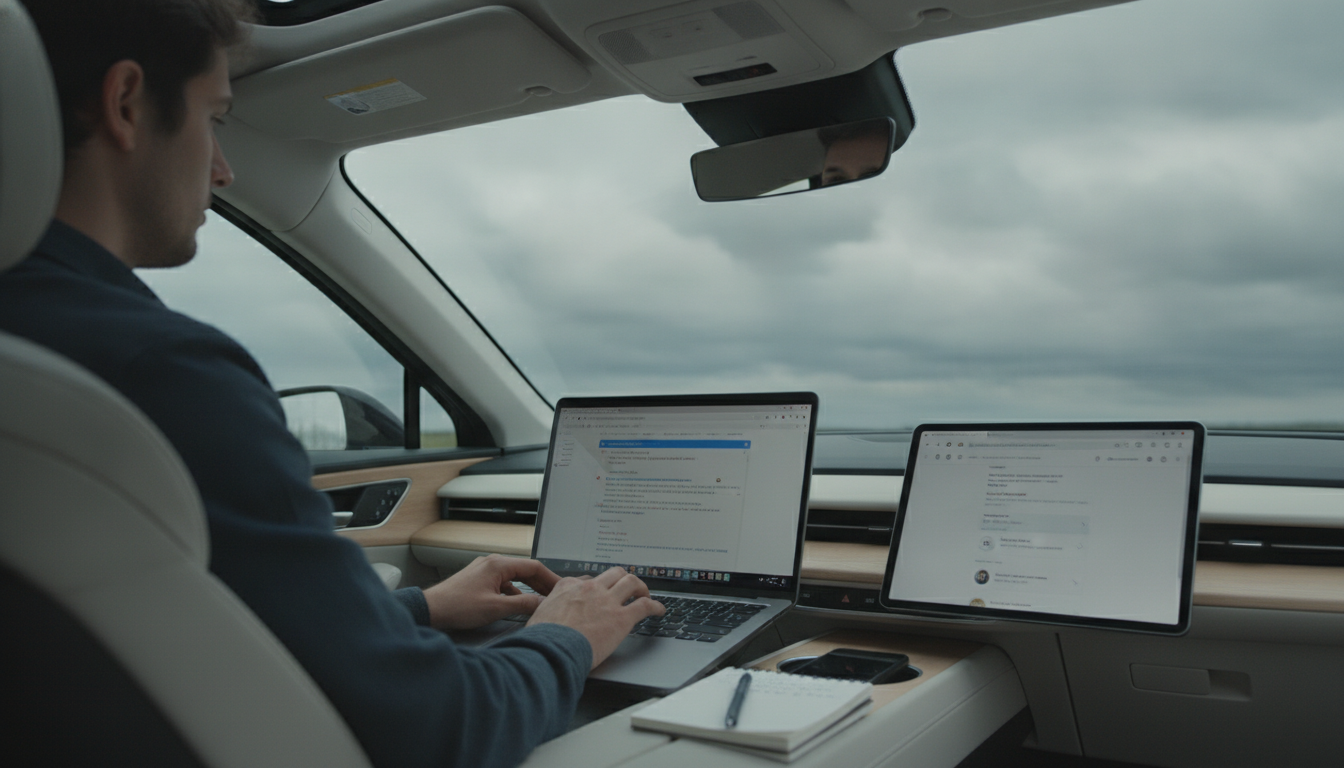
How to use AI to write a blog post?
AI can help you move from a blank page to a polished post faster by generating draft text, suggesting headings, and improving clarity. The best results come when you stay in control: provide clear direction, review every claim, and add real examples from your own experience or products.
1) Start with a tight brief
Before you open an AI tool, decide the post’s goal, target reader, and the specific takeaway you want them to have. Then give the tool concrete details such as the topic, the angle you want to take, the approximate length, and any brand terms or product names that must be used consistently.
2) Generate a first draft, then steer it
Ask for a complete draft and read it as raw material, not a finished piece. If the tone is off or the structure feels repetitive, request a revised version that’s more conversational, more concise, or more technical. You can also ask for alternative introductions or stronger subheadings to improve flow.
3) Add specificity that AI can’t invent
Strengthen the post with details only you can provide: your own product notes, customer questions, shipping/returns considerations, and practical do’s and don’ts. Include numbers only when you can verify them, and replace vague phrases with concrete instructions, examples, or comparisons.
4) Verify facts and remove risky claims
Check names, dates, stats, and any “best” or “guaranteed” language. If the post references tools, policies, or pricing, confirm those points directly from official sources or internal documentation. When in doubt, simplify the statement or remove it.
5) Final polish for readability
Trim filler, break up long paragraphs, and make sure each section earns its space. Read the post aloud to catch awkward phrasing, then run a final grammar pass. For a more detailed walkthrough, visit https://geektown.shop/how-to-use-ai-to-write-a-blog-post/.
FAQ
How do you fact-check AI-generated blog content?
Confirm every specific claim (statistics, product features, pricing, timelines, and quotes) against primary sources or internal records. If a detail can’t be verified quickly, rewrite the sentence to be more general or remove it entirely.






Leave a comment